
Solana tool review · Updated 25 October 2026
Cielo review: a Solana wallet feed you can organize
A practical look at wallet lists, alert filters, current plan limits and the distinction between monitoring and trading.
Back to the Solana tools guide
What is Cielo?
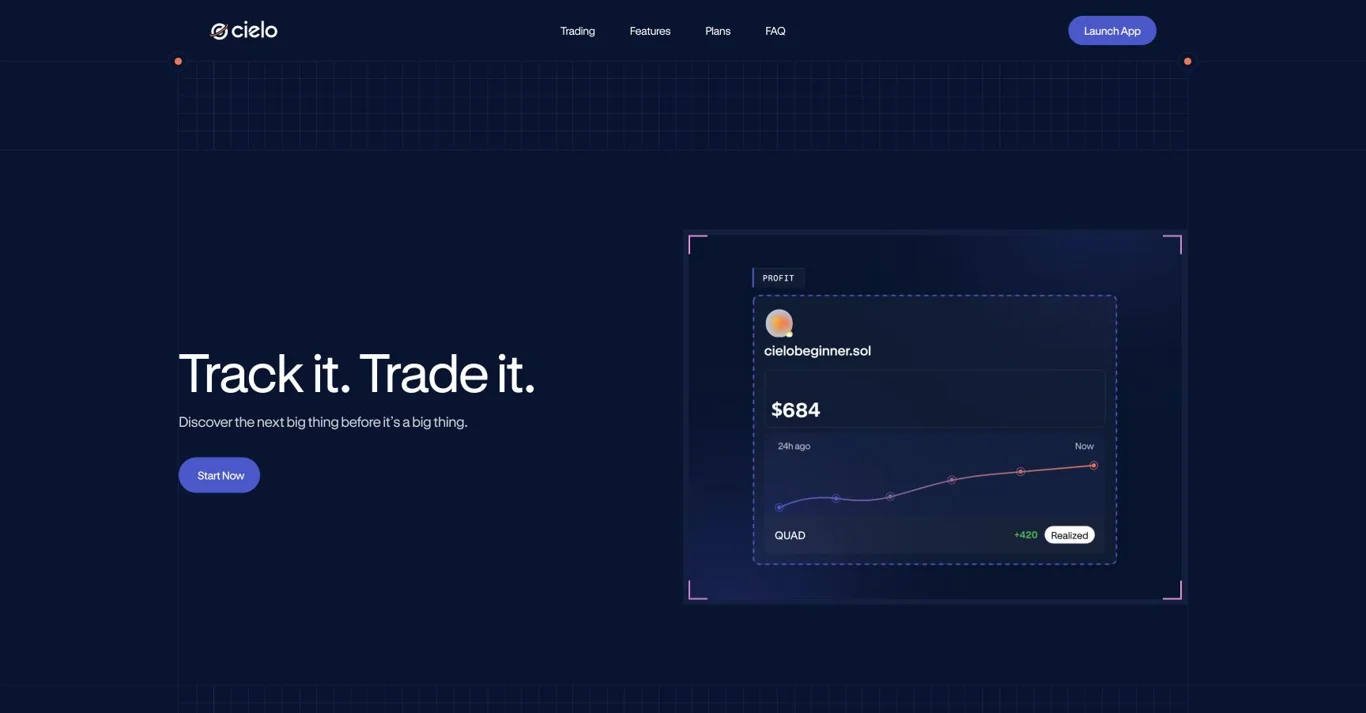
Cielo is a wallet-monitoring platform with a web feed and Telegram/Discord notifications. For a Solana trader, its distinctive role is keeping a labelled group of watched addresses organized and filtering their activity into a usable feed.
Cielo also advertises Solana trading. You can configure a research workflow without treating every alert as an instruction to trade. Funding a trading wallet is a separate step from deciding which addresses to monitor.
| Question | Solana scope |
|---|---|
| Main use | Wallet lists, activity feeds and configurable alerts |
| Surfaces | Web, Telegram and Discord |
| Cost model | Free tier with paid Pro and Whale plans |
| Execution | Solana trading is offered separately from tracking configuration |
| Access | Account setup and product login flow; the tracking page can request a wallet connection |
Build a feed with a purpose
The official tracking guide supports adding addresses with labels, grouping them into lists and selecting alert conditions. Labels are practical: a wallet followed for new-token discovery should not be mixed silently with one followed to investigate a particular transfer.
Begin with a small set of addresses you can explain. For each one, write down why it belongs on the list and what event would make you revisit that decision. A feed containing hundreds of unexplained wallets can be harder to use than a short, deliberate watchlist.
Filter by the available transaction types, chain and minimum swap value. A first-time token trade can be a different research event from a routine top-up. Notifications should surface questions you can investigate, rather than encourage reacting to every movement.
Set up a Solana research watchlist
- Open the official app and complete its login flow. Check the domain before connecting or signing.
- Add public addresses in Tracking. Use a label that describes the research reason, not an unsupported identity claim.
- Group related addresses. Separate strategy candidates, token-specific investigations and your own monitoring needs.
- Select Solana alert conditions. Avoid assuming that a platform’s total cross-chain allowance is its Solana allowance.
- Connect the notification channel you want. The quickstart describes activating Telegram/Discord alerts through the settings and then configuring selected wallets.
- Review the feed before expanding. Remove noisy or irrelevant entries and verify unfamiliar transactions in Solscan.
Current plans and a documentation discrepancy
| Plan | Published monthly price | Published Solana-wallet allowance |
|---|---|---|
| Free | Free | 50 |
| Pro | US$59 | 200 |
| Whale | US$199 | 1,000 |
The current homepage lists the allowances above. An older subscription documentation page lists smaller Solana allowances. We use the current product page for this dated comparison and recommend checking the in-app plan before paying. The counts for EVM wallets are separate.
Our assessment: upgrade only when a limit you actually encounter prevents useful monitoring. More watched addresses and notifications are not evidence of a better trading process. Subscription costs and trading costs should be evaluated separately.
Coverage and alert limitations
Cielo’s FAQ explains that some very high-activity wallets are excluded. Its documented example filters Solana wallets producing more than 3,000 transactions per day. Specialized contract routing can also complicate tracking.
This means a missing event needs investigation. It can reflect coverage, filtering or a limit, rather than proof that no transaction happened. Use an explorer when completeness matters.
An alert arrives after the underlying event has occurred. Even a fast notification does not recreate the original price, liquidity or position size. We make no measured latency claim and do not describe the feed as zero-latency.
Strengths and trade-offs
Where it fits
Ongoing research across a known set of wallets, with labels and notification filters that reduce manual checking.
Where another tool helps
Use a performance analyzer for deeper historical evaluation and an explorer for transaction details. A monitoring feed does not replace either.
Alternatives and a practical combination
dEdge addresses the earlier question of how a candidate wallet traded. Bubblemaps examines token-holder connections rather than simply following a personal watchlist.
If you already work inside Axiom, GMGN or Terminal, first check whether that terminal’s Solana wallet feed is sufficient. Adding Cielo is most useful when its list and notification workflow solves a specific gap.
For a compact stack, research a candidate, add it to a labelled list and verify unusual events in Solscan. Keep your execution decision separate from the notification itself.
Frequently asked questions
Is Cielo free for Solana tracking?
There is a free tier. The current homepage lists 50 followed Solana wallets; confirm the allowance in the app because older documentation differs.
Does Cielo support trading?
The current product page advertises Solana trading. Tracking a wallet and funding or using a trading account are separate steps.
Does Cielo track every wallet?
No. Its documentation describes exclusions for certain high-activity wallets and tracking limitations.
Is following a wallet the same as copy trading?
No. A watchlist and alerts are monitoring functions. Automatic execution requires its own explicit setup and risk decisions.
Sources and editorial scope
Checked against first-party material on 25 October 2026. This review covers the documented research workflow. It does not certify returns, data completeness or paid-plan performance.